Buttons and widgets
Floating button
A "My wishlist" button pinned to a corner of every page, so shoppers can get back to their saved items from anywhere.
The floating button stays in a corner of the screen while shoppers scroll. One tap opens the wishlist. It is a good fit for themes with a crowded header, or when you want the wishlist to be impossible to miss.
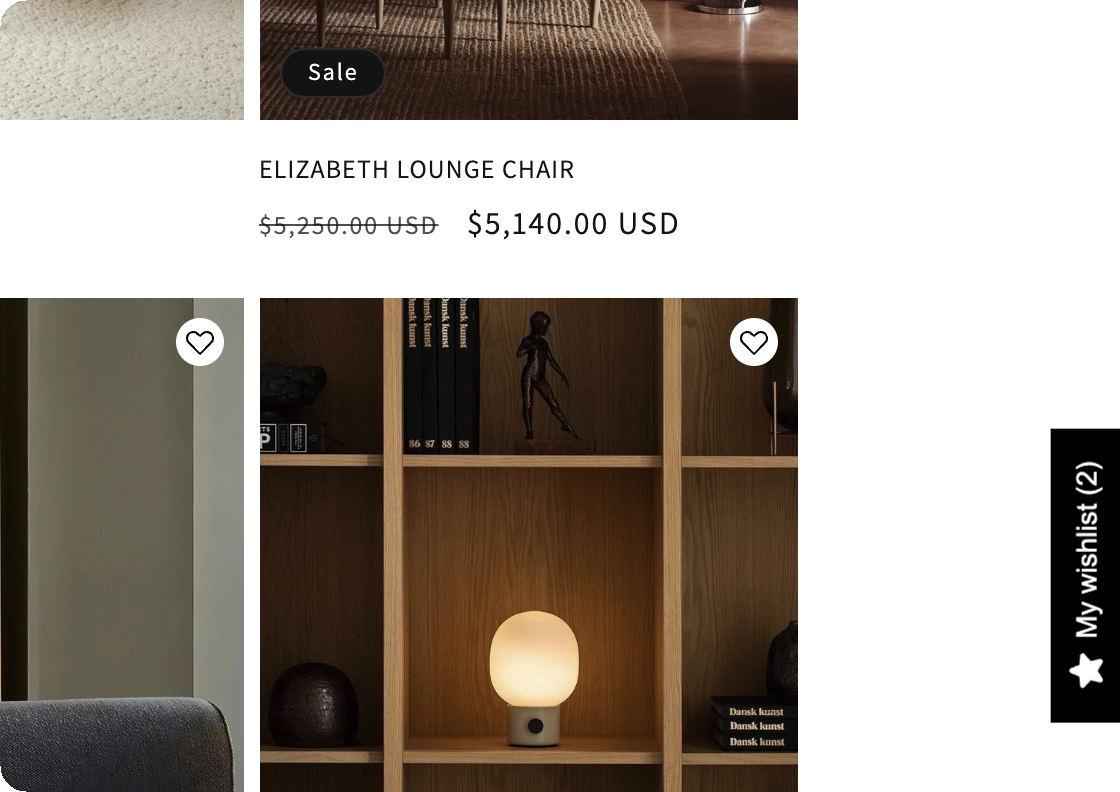
Turn it on
- Open Features in XB Wishlist.
- On the Floating Wishlist Button card, tick Enable.
- Click Customize to style it, then Save.
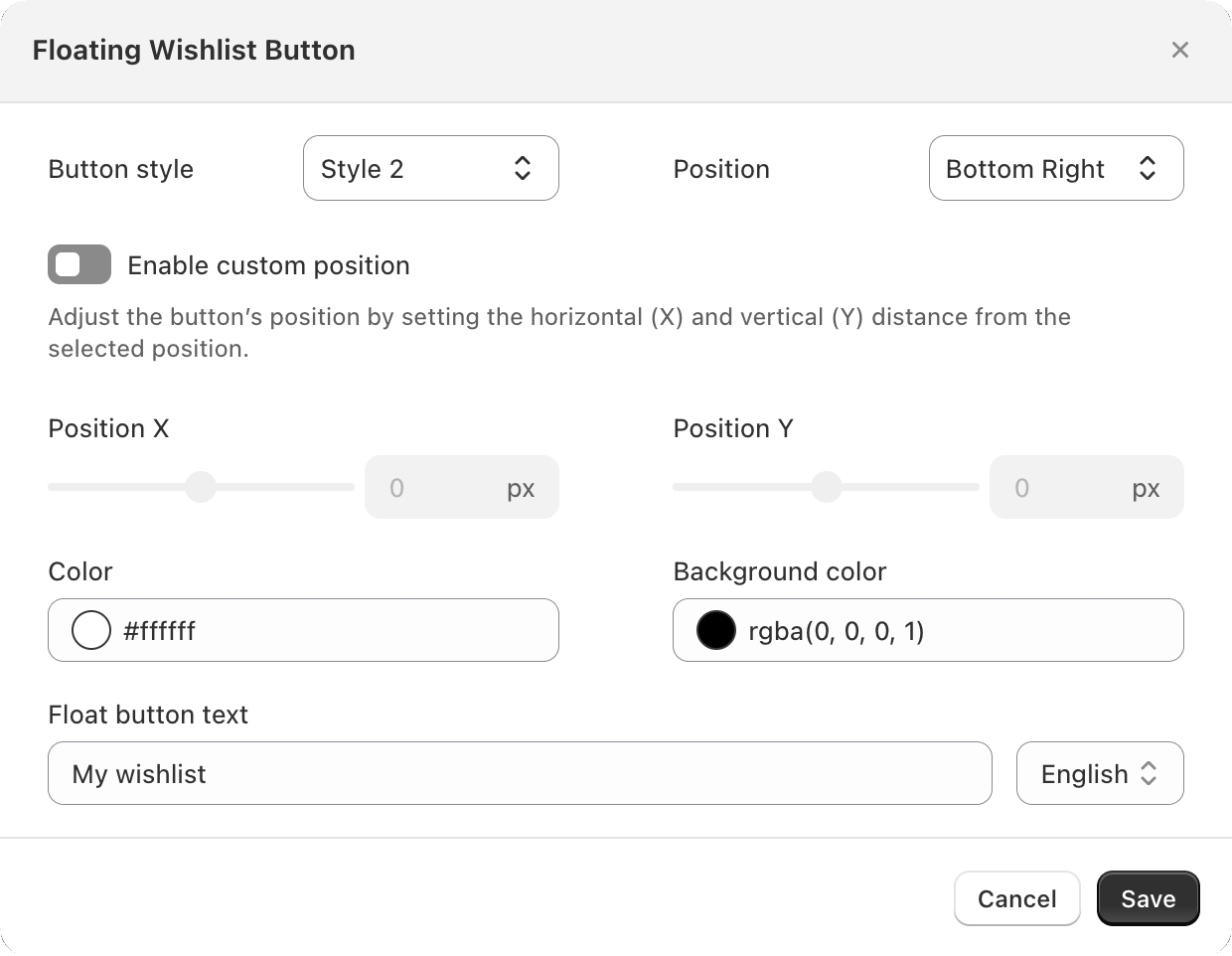
Settings
| Setting | What it does | Default |
|---|---|---|
| Button style | Three designs: Style 1, Style 2 and Style 3. | Style 1 |
| Position | Middle Left, Middle Right, Bottom Left or Bottom Right. | Bottom Right |
| Enable custom position | Moves the button away from that corner by Position X and Position Y (−100 to 100 px). Use it to clear a chat bubble or a cookie banner. | Off |
| Color | Text and icon color. | #FFFFFF |
| Background color | Button color. | #FF0000 |
| Float button text | The label on the button. | My wishlist |
The language picker next to Float button text lets you write the label in each language your store sells in. Languages other than English and your primary language need the Basic plan. See Translations.
Still stuck? Email [email protected] with your store’s .myshopify.com address and we’ll set it up with you.